Shopify Store Audit: 7 Fixes for Traffic but No Sales
Getting Shopify traffic but no sales? Run this 7-point store audit to find the conversion leaks—speed, mobile, trust, checkout—and exactly what to fix first.
Getting traffic but no sales? It's almost never a traffic problem—it's a conversion problem. This Shopify store audit walks you through the seven checks that quietly cost stores orders—site speed, mobile experience, offer clarity, trust, product pages, checkout, and tracking—so you can score your store in about 30 minutes and know exactly what to fix first. The average Shopify store converts around 1.4%; the top 10% convert at 4.7%+, and that gap is rarely luck. It's the same handful of leaks, and it's the work our team does on Shopify store and CRO builds.
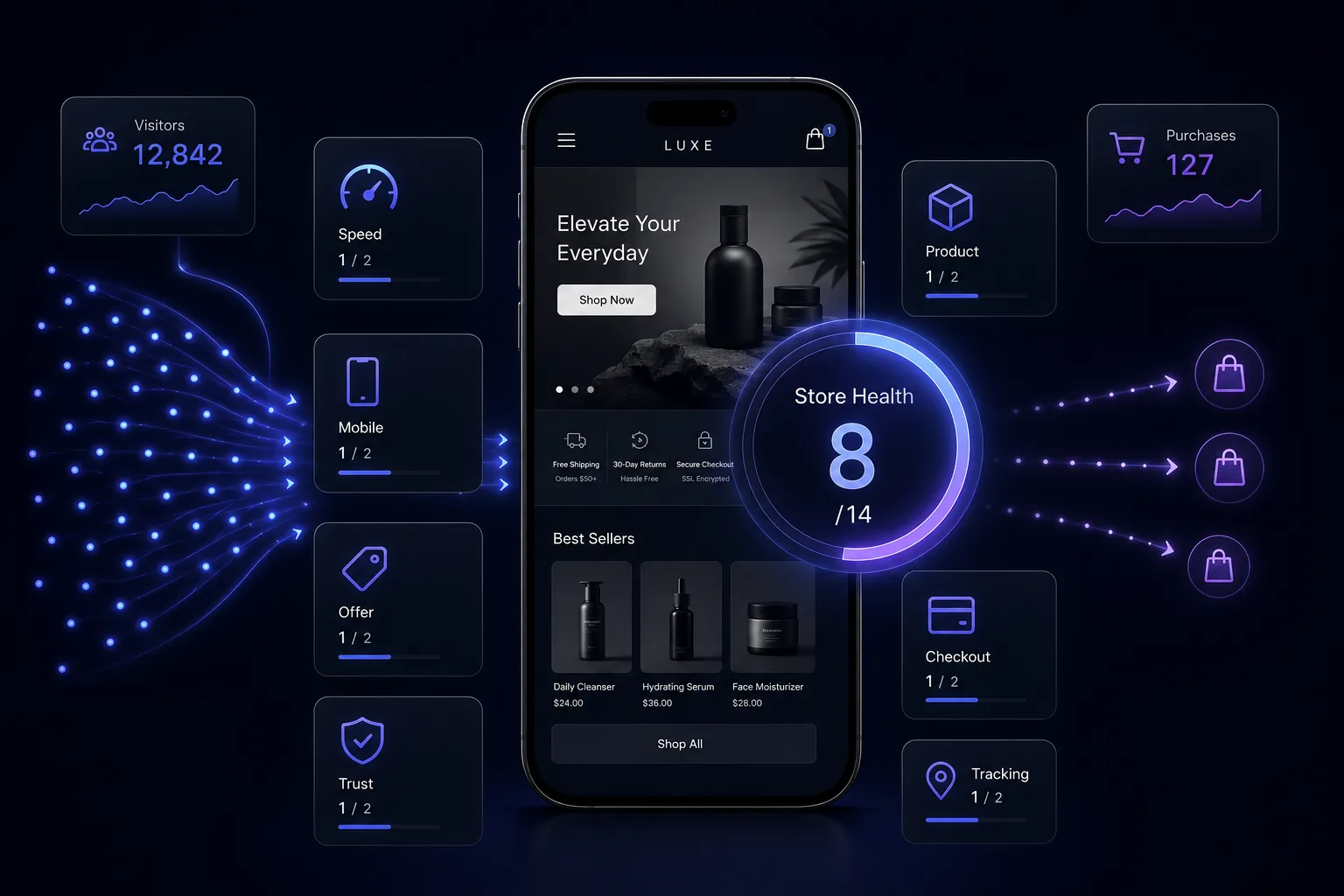
Prefer the printable version? Download the free 7-Point Shopify Store Audit (PDF)—score your store on one page and work the fixes top to bottom.
What's inside this audit
- Why "traffic but no sales" is a conversion problem, not a traffic problem
- The 7 highest-leverage checks, each with what to look for and how to fix it
- A simple scoring system to find your Store Health Score out of 14
- The common mistakes that quietly cost stores orders
- A realistic "what good looks like" benchmark for the math
Why your store has traffic but no sales
If visitors are landing but not buying, more traffic won't save you—it just pours more water into a leaky bucket. The average Shopify store converts about 1.4%, while the top 10% convert at 4.7%+. That gap is rarely luck; it's the same repeatable leaks across thousands of stores: a slow site, a desktop-first design, a vague offer, thin trust, and a checkout that asks for too much.
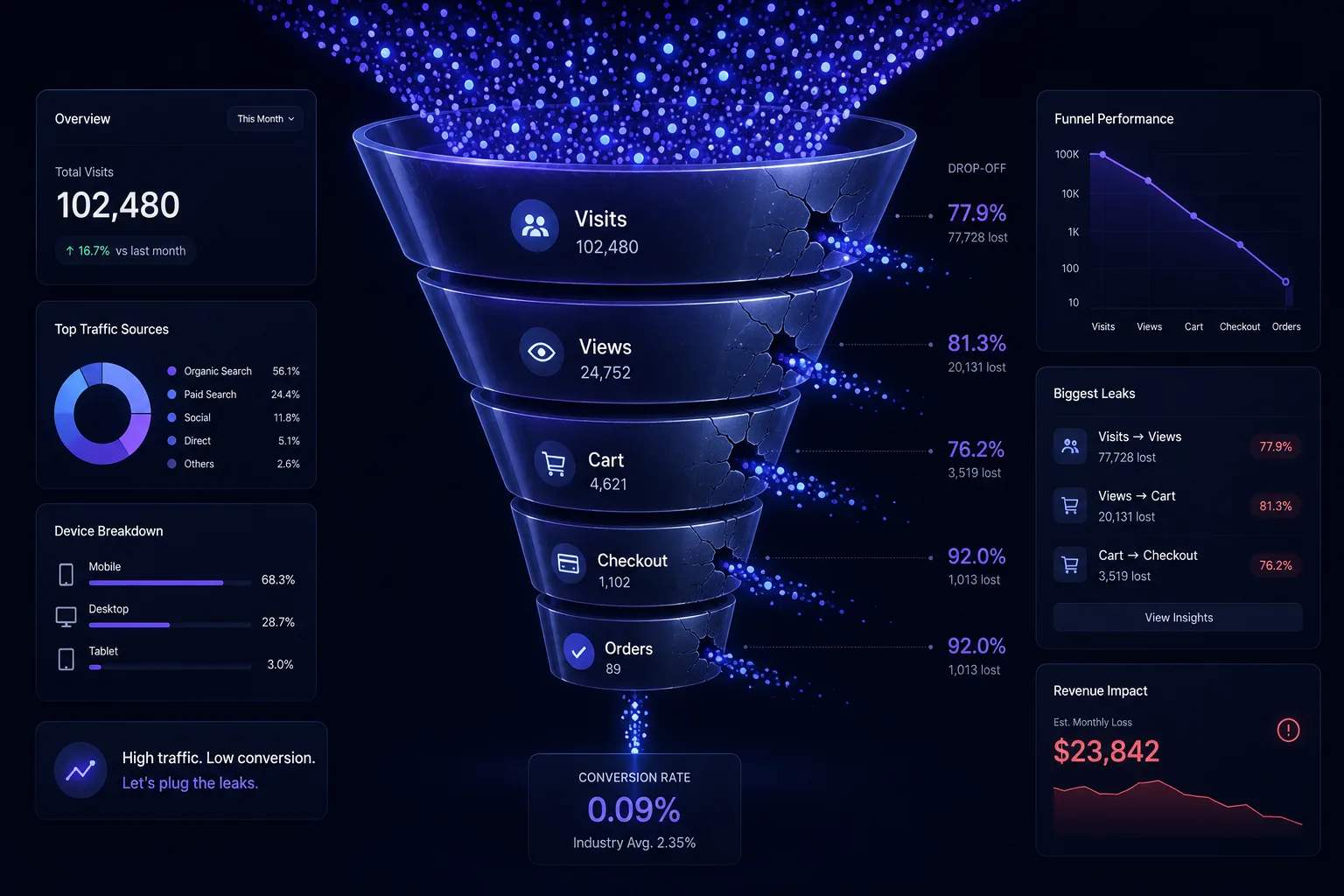
This audit is for founders and marketers running a live Shopify (or D2C) store that gets clicks but not enough orders. Work through the seven checks below, score yourself, and you'll know exactly where the money is leaking—and what to fix first.
How to score your store
Give your store 0, 1, or 2 on each of the seven points (0 = broken, 1 = okay, 2 = dialed in). Add them up for your Store Health Score out of 14:
| Score | Where you stand |
|---|---|
| 0–7 | Leaking sales. Fix the basics first—every point here is costing you orders right now. |
| 8–11 | Solid foundation. Tighten the weak points to climb toward the top 20%. |
| 12–14 | Top-10% territory. Protect it and optimize at the margins. |
The 7-point Shopify store audit
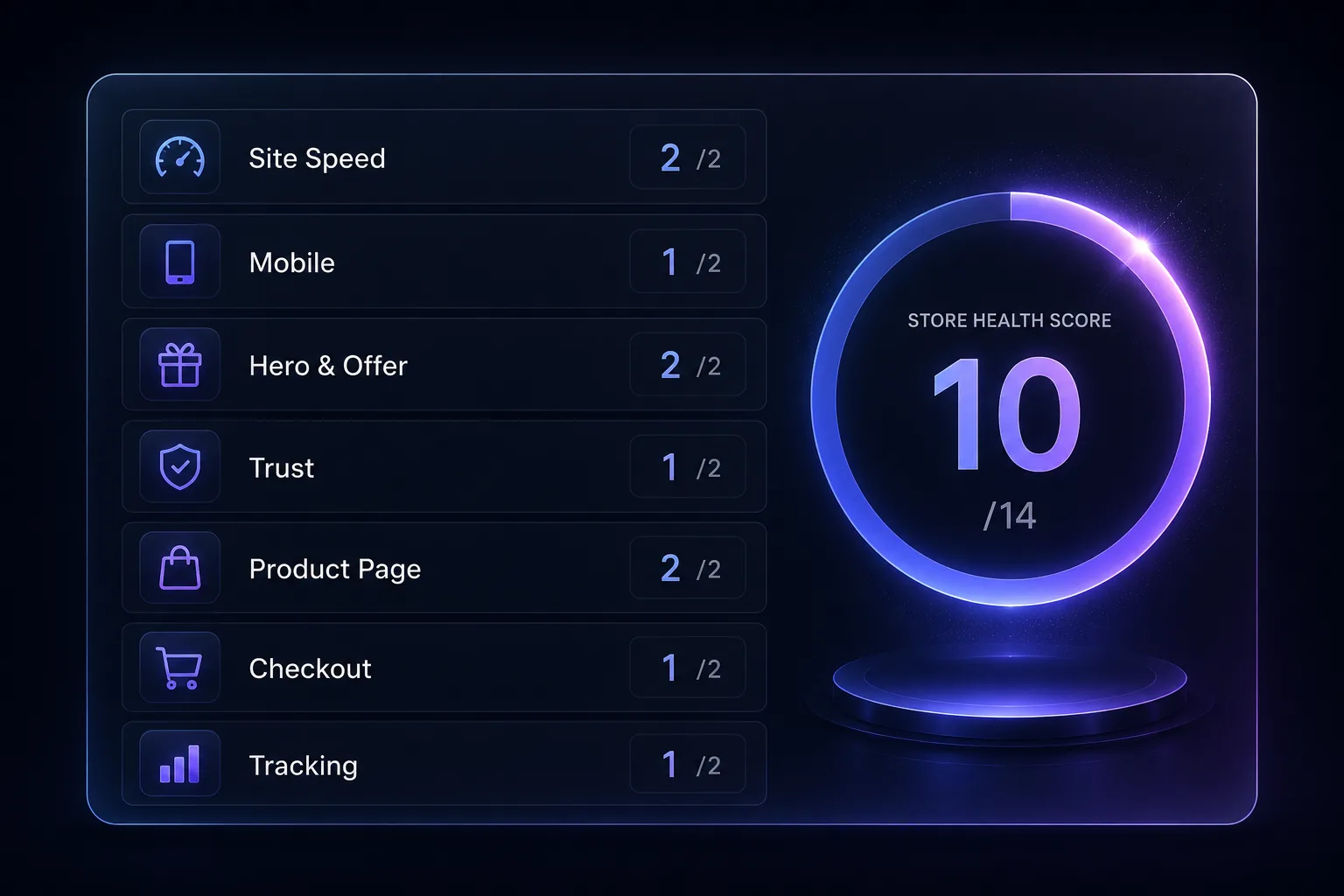
1. Site speed & Core Web Vitals — the silent conversion killer
Check: On a real phone (not just desktop), time your homepage and a product page. Aim for a Largest Contentful Paint under ~2.5 seconds. Why it matters: 40% of shoppers abandon a site that takes 3+ seconds to load, and past three seconds the probability of a bounce jumps ~90%. On mobile, every second is revenue. The fix: compress hero images to WebP (<150KB), enable lazy-loading, delete unused apps and scripts, choose a lightweight theme, and cut autoplay video on the homepage.
Do: one sharp <150KB hero image. Not: a 4MB stack of autoplay banners.
2. Mobile-first experience — where 75% of your sales happen
Check: Run the entire buying flow on your phone with one thumb. Can you reach every button and finish checkout without pinching or zooming? Why it matters: 75%+ of Shopify sales now happen on mobile, so a store designed on desktop and only "checked" on mobile later is leaking its biggest revenue source. The fix: design mobile-first—a sticky add-to-cart bar, large tap targets (≥44px), key info above the fold, and a real test on a mid-range Android, not just the latest iPhone.
Do: sticky add-to-cart on mobile. Not: tiny links crammed edge to edge.
3. Hero & offer clarity — the 5-second test
Check: Show your homepage to someone for five seconds, then hide it. Can they tell you what you sell and why it's better than the alternative? Why it matters: visitors decide in seconds, and a vague hero ("Welcome to our store") wastes your most valuable pixels. The fix: one clear value-prop headline, one primary CTA, one hero offer—lead with the outcome the customer gets, not your brand name or a generic "Shop now."
Do: "Sleep cooler in 30 nights — or your money back." Not: "Welcome / Shop our collection."
4. Trust signals — the fastest free conversion lift
Check: Within the first screen, can a stranger find reviews, a guarantee, secure-checkout cues, and real photos—not just your own marketing claims? Why it matters: adding verified reviews, a guarantee, and real customer photos can lift conversion by ~18% with no change to ads or pricing—trust is the cheapest lever you have. The fix: embed verified reviews above the fold, add a clear guarantee and return policy, show UGC and real photos, and place payment/security badges right by the buy button.
Do: star ratings + photos beside the price. Not: "Trusted by thousands" with zero proof.
5. Product page persuasion — where the buying decision is made
Check: Does each product page answer "why this, why now, why you" with benefit-led copy, multiple images, and reviews? Why it matters: a healthy add-to-cart rate is ~8–15% of product views; consistently below 8% usually means the product page—not the traffic—is the problem. The fix: lead with benefits, answer the top three objections, add multiple angles plus lifestyle shots and a short demo video, surface reviews, make shipping and returns obvious, and keep add-to-cart sticky. (Our product page checklist goes deep on this.)
Do: benefit bullets + objection handling. Not: a wall of specs and one tiny photo.
6. Checkout friction — the last, most expensive leak
Check: Count the taps and form fields from cart to confirmation. Is shipping shown before checkout? Are express-pay options switched on? Why it matters: around 70% of carts are abandoned, and unexpected shipping cost at checkout is the #1 reason—every extra field and surprise bleeds orders you already paid to acquire. The fix: show shipping (or a free-shipping threshold) early, enable Shop Pay / Apple Pay / Google Pay, allow guest checkout, and strip the form to the fewest fields possible. (See the full cart-recovery playbook.)
Do: express pay + shipping shown upfront. Not: a surprise $12 fee on the final step.
7. Tracking & traffic quality — stop guessing, start measuring
Check: Are visitors actually viewing products? Where do they drop in the funnel? Is GA4 + Shopify analytics set up and watched? Why it matters: traffic quality beats volume—if most visitors bounce before they ever see a product page, the problem is the traffic source, and more of it just wastes money. The fix: set up GA4 and Shopify funnel reports, watch product-view and add-to-cart rates, match each traffic source to real buyer intent, and cut channels that never convert.
Do: measure product-view → ATC → checkout. Not: buy more cold traffic to a leaky store.
"More traffic" is the most expensive way to fix a conversion problem. Plug the leaks first—then every visitor you already have is worth more.
Common mistakes that quietly cost you sales
- Designing on desktop only—your customers are on phones, so design there first and decorate the desktop second.
- Chasing more traffic instead of fixing conversion—doubling a 1.4% store's traffic costs far more than lifting it to 2.6%.
- App bloat—fifteen apps loading on every page is the most common hidden cause of a slow, janky store.
- A hero that names the brand, not the benefit—"Welcome to [Brand]" tells the visitor nothing about why to buy.
- Hiding shipping cost until the last step—the single biggest driver of cart abandonment.
- Zero social proof—no reviews, no photos, no guarantee, so first-time buyers have no reason to trust you.
- Three competing CTAs—when everything is a priority, nothing is. Give each page one clear next step.
- No analytics—if you can't see where visitors drop, you're optimizing blind.
What "good" looks like
Illustrative example—not a guarantee of results. A store getting 20,000 visits/month at the average 1.4% converts about 280 orders. Tighten these seven points and lift conversion to 2.6%—squarely mid-pack, not heroic—and the same traffic now produces about 520 orders. That's roughly 85% more revenue without spending a single extra dollar on ads. The work is real, but the math is why conversion is the highest-ROI place to start. (Figures are illustrative to show the mechanics; your results depend on your store, traffic, and offer.)
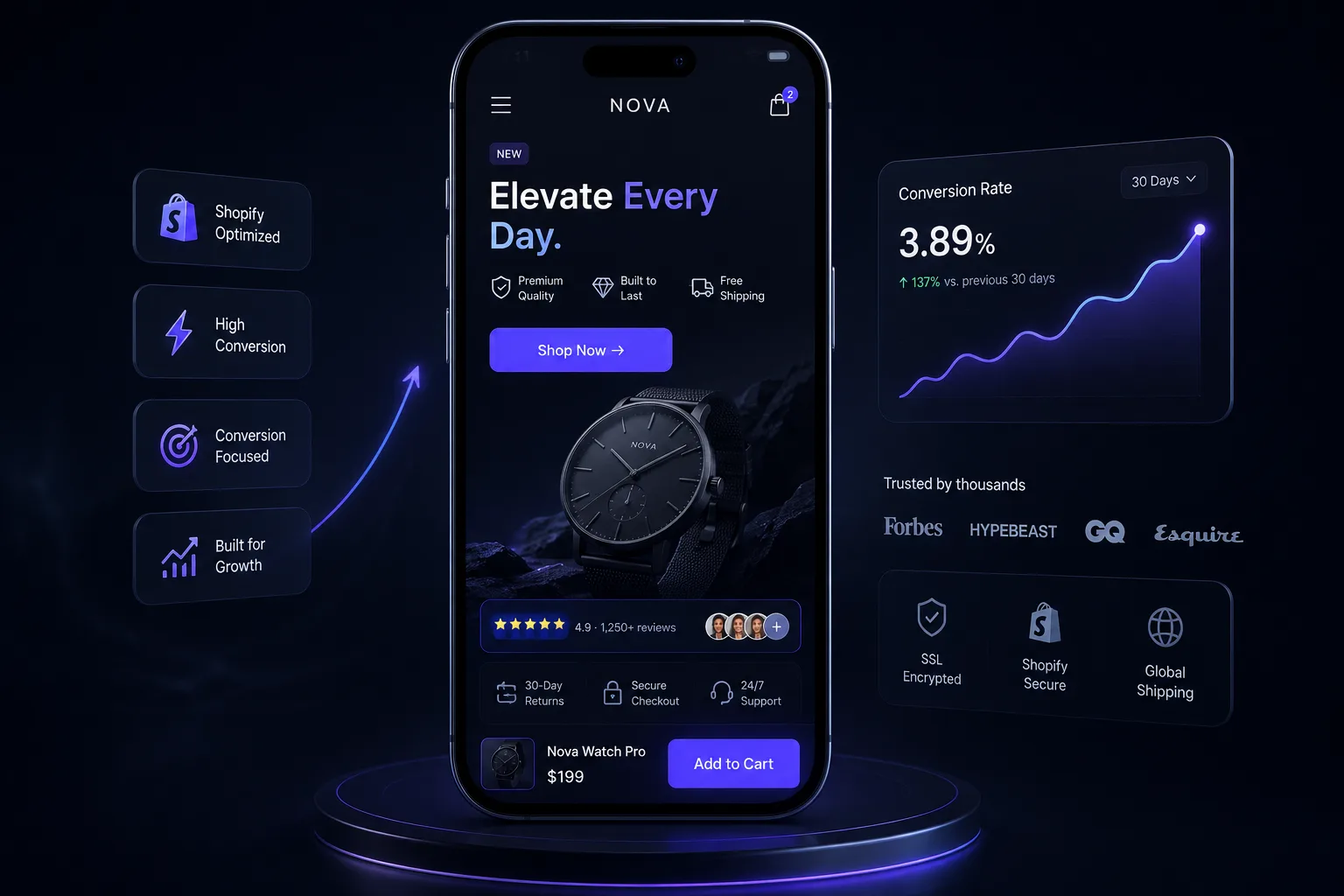
How Virexo Media helps turn traffic into sales
Scoring the audit is the easy part—rebuilding the store so it actually converts is where the revenue shows up. That's exactly what our team does: we design and rebuild fast, mobile-first Shopify stores that convert, and we start every engagement with a free store audit on these seven points. Pair it with our CRO audit checklist and the cart-recovery guide for the full picture.
The numbers behind the work: 80+ clients served, 50+ Shopify stores built, $2.4M+ in revenue scaled, and a 5.2x average ROAS across our ecommerce campaigns.
"The Shopify store they built for us is stunning and converts like crazy. Combined with their performance marketing, our revenue tripled in the first quarter."
— Ayesha Khan, E-Commerce Manager, LuxeWear (UAE)
Frequently asked questions
Why does my Shopify store get traffic but no sales?
If people are landing but not buying, it's a conversion problem, not a traffic problem. The usual culprits are a slow site, a desktop-first design, an unclear offer, weak trust signals, a leaky product page, and a high-friction checkout. Fix those and the traffic you already have converts better.
What is a good Shopify conversion rate?
The average Shopify store converts around 1.4%, while the top 10% convert at 4.7% or higher. Anywhere below ~1.5% usually means there's clear, fixable friction; the goal is to steadily climb by removing leaks, not to hit a "perfect" number overnight.
How do I audit my Shopify store?
Score your store 0, 1, or 2 on each of the seven points in this guide—site speed, mobile experience, hero/offer clarity, trust signals, product pages, checkout friction, and tracking—then total it out of 14. Anything scoring 0 or 1 is a high-leverage fix; start at the top of the list.
Should I buy more traffic or fix conversion first?
Fix conversion first. Doubling traffic on a 1.4%-converting store is far more expensive than lifting that store to 2.6%, and the conversion gains compound across every future visitor and every dollar of ad spend you'll ever run.
How fast should my Shopify store load?
Aim for a Largest Contentful Paint under about 2.5 seconds on a real phone. Roughly 40% of shoppers abandon a site that takes 3+ seconds to load, so speed is one of the highest-impact (and most overlooked) conversion fixes.
What's the #1 reason shoppers abandon checkout?
Unexpected shipping cost revealed late in checkout, with about 70% of carts abandoned overall. Showing shipping (or a free-shipping threshold) early, enabling express pay, and allowing guest checkout recover a meaningful share of those orders.
Ready to turn the traffic you already have into sales?
Virexo Media designs and rebuilds fast, mobile-first Shopify stores that convert—clear, practical, no hype. Book a free strategy call and we'll score your store on these seven points, show you exactly what's costing you orders, and send a prioritized action list within 48 hours.
Explore our website development, SEO services, and performance marketing pages.
Want a free audit of your store?
Book a 15-minute call with Virexo Media. We'll review your Shopify site, ads, or SEO — and send a prioritized action list within 48 hours. No pitch deck. Just clarity.