Shopify Tools: The Free 12-Tool Stack That Runs a Whole Store
The best free Shopify tools for design, email, SEO, ads, support, and analytics—12 picks that run an entire store, plus the 6-tool starter stack to set up this week.
You don't need a pile of paid software to run a capable store—you need a lean, free toolkit and the discipline to upgrade only when a tool is clearly capping your growth. This free Shopify tools stack covers 12 genuinely-free tools across design, email, SEO, ads, support, and analytics, plus the 6-tool starter stack to set up this week. Everything below has a real free tier. It's the same lean setup we lean on before scaling clients with our Shopify and growth services.
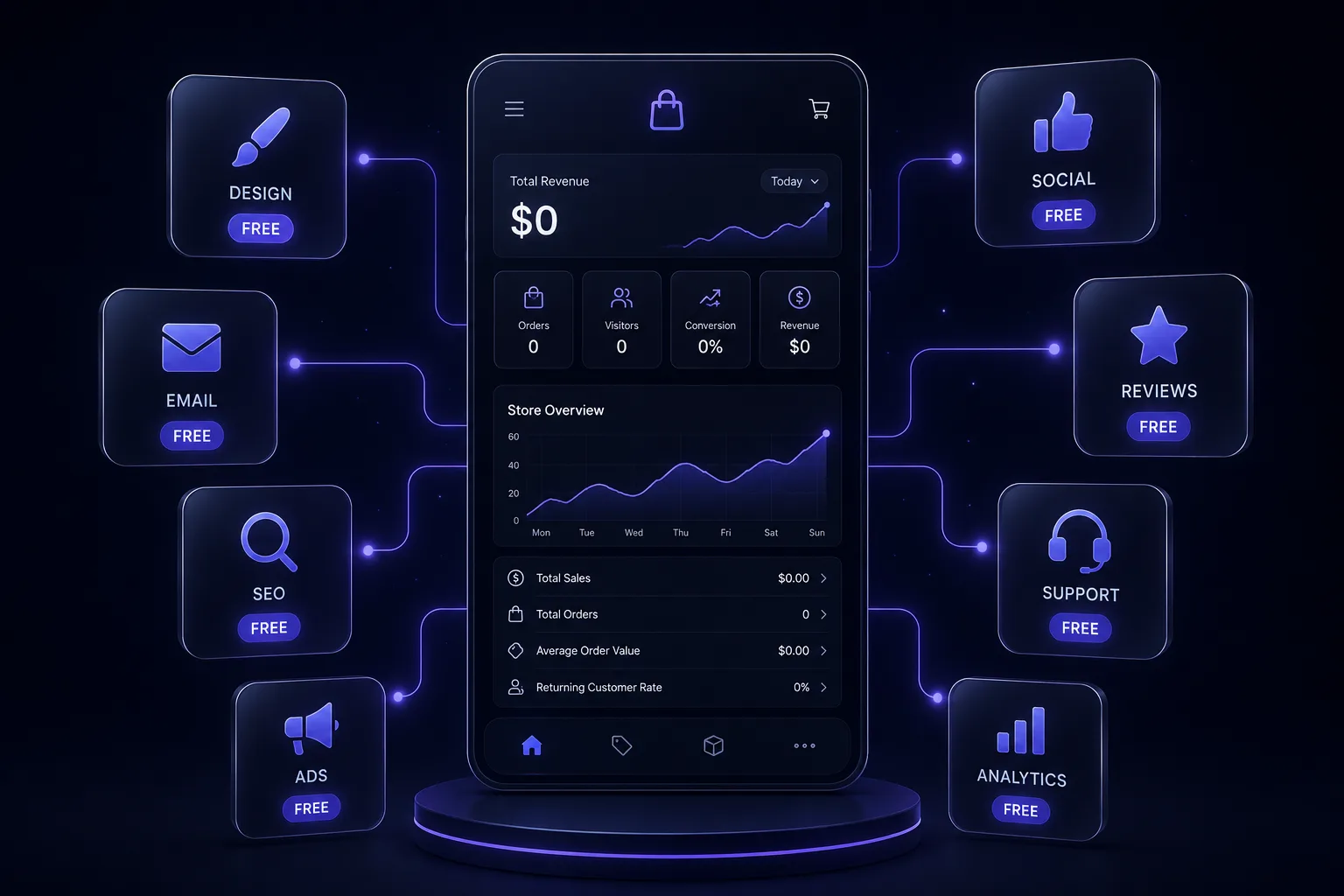
Prefer the printable version? Download the free Shopify Tool Stack guide (PDF)—all 12 tools and the starter stack on one page.
What's inside this guide
- 12 genuinely-free tools, organized by the job they do
- The 6-tool starter stack to set up this week for $0
- What each tool is best for
- The common tool-stack mistakes that quietly cost you
- A "what good looks like" lean-stack benchmark
The stack, by the job it does
Nine jobs, and the free tools that cover each. You won't need all of them on day one—see the starter stack below.
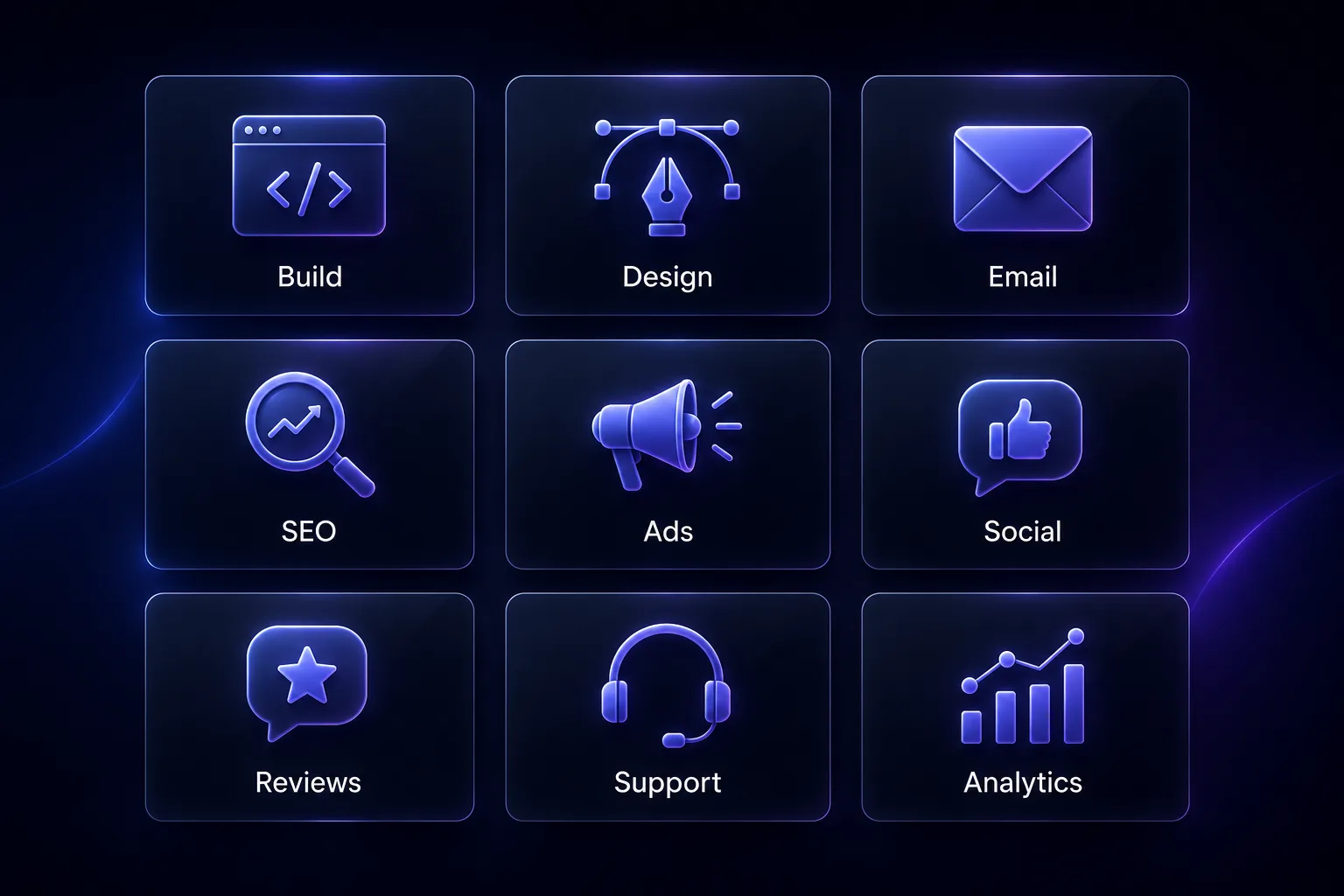
1. Build & AI assist
- Shopify Magic / Sidekick (free in your Shopify admin) — AI product descriptions, email copy, FAQs, background removal.
- ChatGPT (free tier) — brainstorm offers, ad angles, blog outlines, and customer-reply drafts.
2. Design & visuals
- Canva (free plan) — pins, ad creative, banners, simple product mockups, and a brand kit.
- Photopea (free) — a browser-based Photoshop alternative for quick edits.
- Remove.bg (free credits) — one-click background removal for clean product shots.
3. Email & SMS
- Klaviyo (free up to 250 contacts) — welcome, abandoned-cart, and win-back flows that sell on autopilot.
- Mailchimp (free tier) — simple broadcasts and basic automation if you're just starting.
(Set the flows up with our Shopify email flows guide.)
4. SEO & free traffic
- Google Search Console (free) — see the exact queries you rank for and fix indexing issues.
- Google Analytics 4 (free) — track traffic sources, top pages, and where buyers drop off.
- AnswerThePublic / Ubersuggest (limited free) — find the long-tail keywords real buyers search.
5. Ads & creative research
- Meta Ads Library (free) — study the live ads your competitors are running right now. (Pair with our Meta ads creative audit.)
6. Social & scheduling
- Buffer or Later (free plan) — queue a week of posts in one sitting across platforms.
- Pinterest Trends (free) — validate what your audience is actually searching before you post.
7. Reviews, UGC & capture
- Judge.me (free plan) — collect and show product reviews that build buyer trust.
- Privy (free tier) — email-capture popups so you stop losing first-time visitors.
8. Support & live chat
- Tidio or Tawk.to (free plan) — answer questions in real time and recover would-be drop-offs.
9. Analytics & speed
- Microsoft Clarity (free) — heatmaps and session recordings to see where shoppers get stuck.
- Google PageSpeed Insights (free) — find what's slowing your store (slow = lost sales).
- CapCut (free) — edit short-form video ads and UGC clips fast.
The 6-tool starter stack (do this first)
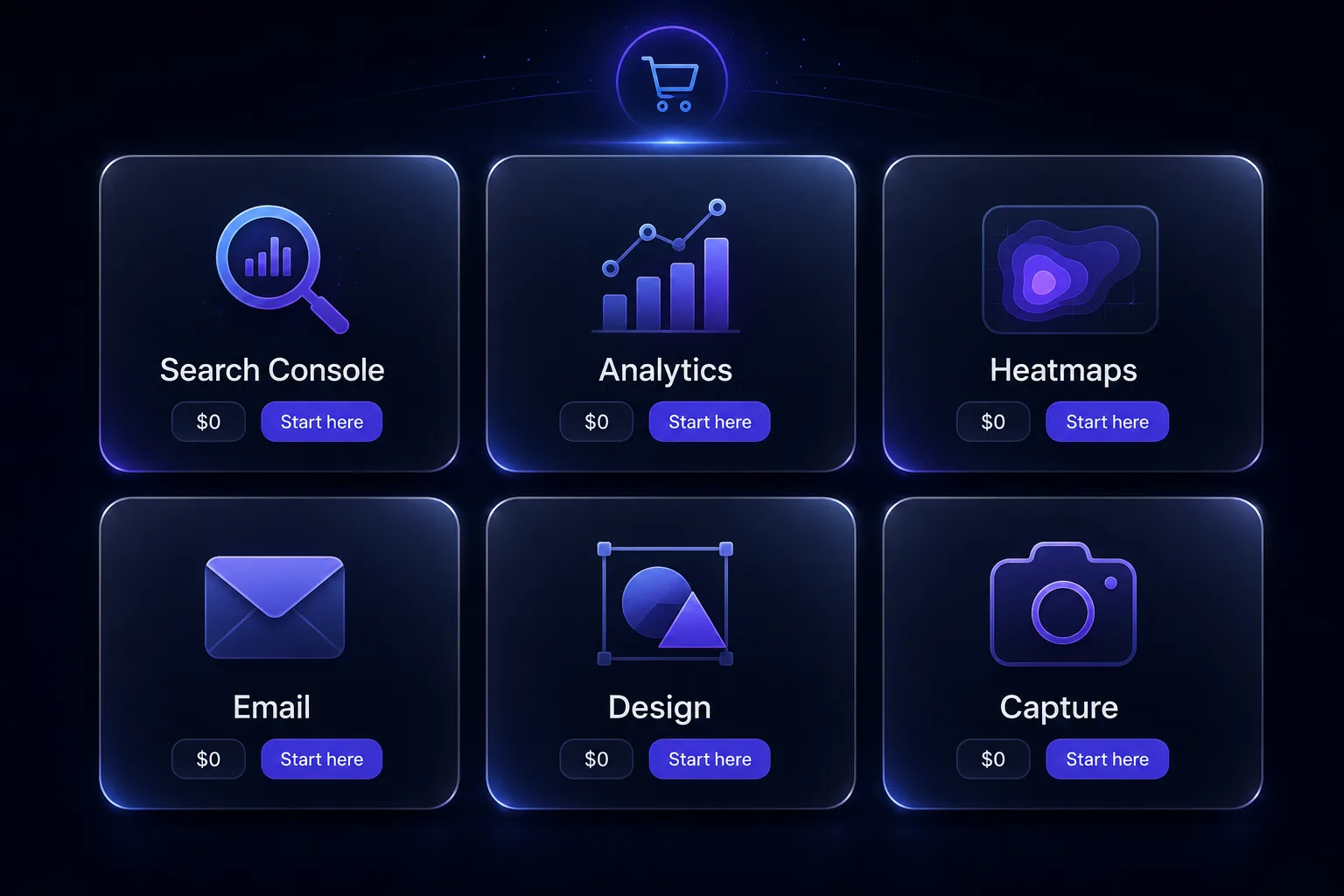
If you set up nothing else this week, set up these. They cover the essentials—traffic, capture, money, and visibility—for $0.
| Tool | What it does |
|---|---|
| Google Search Console | See what you rank for and get indexed |
| Google Analytics 4 | Know your traffic and where buyers drop |
| Microsoft Clarity | Watch real sessions and heatmaps for free |
| Klaviyo (free tier) | Turn on welcome + abandoned-cart flows |
| Canva | Make on-brand creative without a designer |
| Privy | Capture emails before visitors leave |
Free tiers change—verify current limits before relying on them.
Common mistakes that cost you
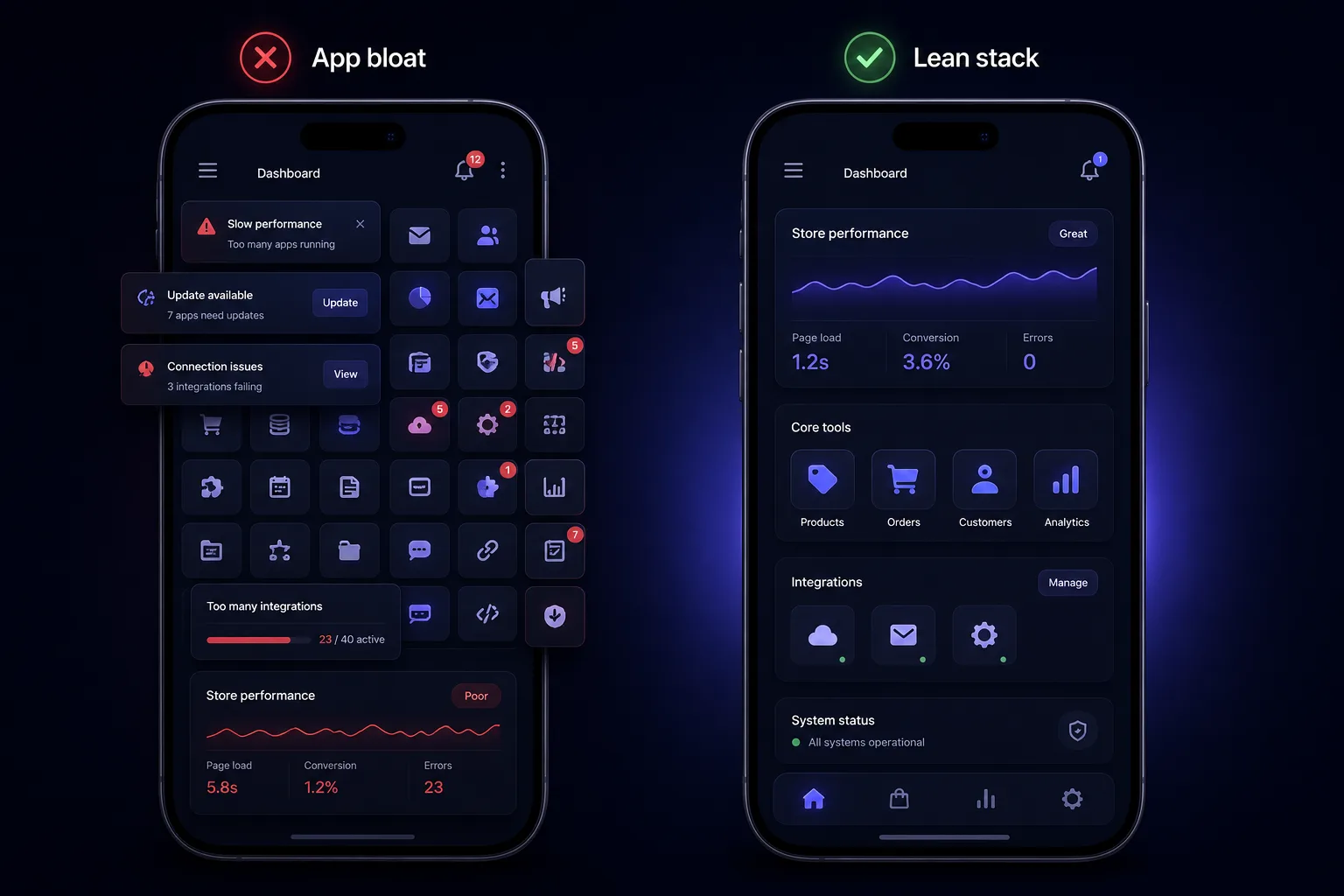
- Installing 15 apps you never open—each one can slow your store, and slow stores lose sales. (See which Shopify apps to keep vs delete.)
- Paying for a tool before you've outgrown the free tier—especially email.
- Never opening your analytics—data you don't look at can't help you.
- No email capture from day one, so paid traffic leaves and never comes back.
What good looks like
Illustrative example. A store doing ~$40k/month runs its entire front end on about six free tools—Klaviyo's free tier for flows, Clarity for heatmaps, Search Console for SEO, Canva for creative—and only upgrades one tool at a time, the moment it's clearly capped. Lean stack, no waste. The point isn't to use every tool here; it's to cover each job with a free one, then graduate deliberately as you grow.
How Virexo Media helps—stop juggling 12 logins
Free tools are great until you're managing a dozen dashboards instead of growing the store. Virexo builds and runs the full growth stack—store, email, ads, SEO, and content—for D2C and Shopify brands, so you get one team and a clear plan instead of a dozen logins. When you're ready to hand it off, that's our website development, SEO, and performance marketing work.
Proven on our own numbers: 50+ Shopify stores built, a 5.2x average ROAS, and 6x organic traffic growth in 6 months.
"From website development to content creation—Virexo Media handled everything. A true one-stop agency that understands international markets."
— Priya Patel, Owner, Aroma Blends (India)
Frequently asked questions
What free tools do I need to run a Shopify store?
Start with the six-tool starter stack: Google Search Console and GA4 (traffic and SEO), Microsoft Clarity (heatmaps), Klaviyo's free tier (email flows), Canva (creative), and Privy (email capture). Together they cover traffic, capture, money, and visibility for $0.
Is Klaviyo free?
Klaviyo has a free tier that covers up to 250 contacts, which is enough to run welcome and abandoned-cart flows while you're getting started. Upgrade only once your list clearly outgrows the free limit—not before.
What are the best free analytics tools for Shopify?
Use three together: Google Analytics 4 for traffic sources and drop-off, Google Search Console for the queries you rank for, and Microsoft Clarity for free heatmaps and session recordings that show exactly where shoppers get stuck.
How do I avoid app bloat on my Shopify store?
Only install tools you actively use—each app can add load time, and slow stores lose sales. Audit your installed apps regularly and delete anything you haven't opened in a month. A lean, fast store beats a feature-packed slow one every time.
Do I need to pay for Shopify tools?
Not at the start. Every tool in this stack has a real free tier that's enough to launch and grow. Upgrade deliberately—one tool at a time, the moment a free tier is clearly capping your growth—rather than paying for software you haven't outgrown yet.
Ready to stop juggling dashboards?
Virexo builds and runs the whole growth stack—store, email, ads, SEO, and content—for D2C and Shopify brands. Book a free strategy call and we'll map the leanest stack for your store and the fastest path to more revenue.
Explore our website development, SEO services, and performance marketing pages.
Want a free audit of your store?
Book a 15-minute call with Virexo Media. We'll review your Shopify site, ads, or SEO — and send a prioritized action list within 48 hours. No pitch deck. Just clarity.